
Master Your Browsing: How Ad-Blockers Enhance Privacy and Speed
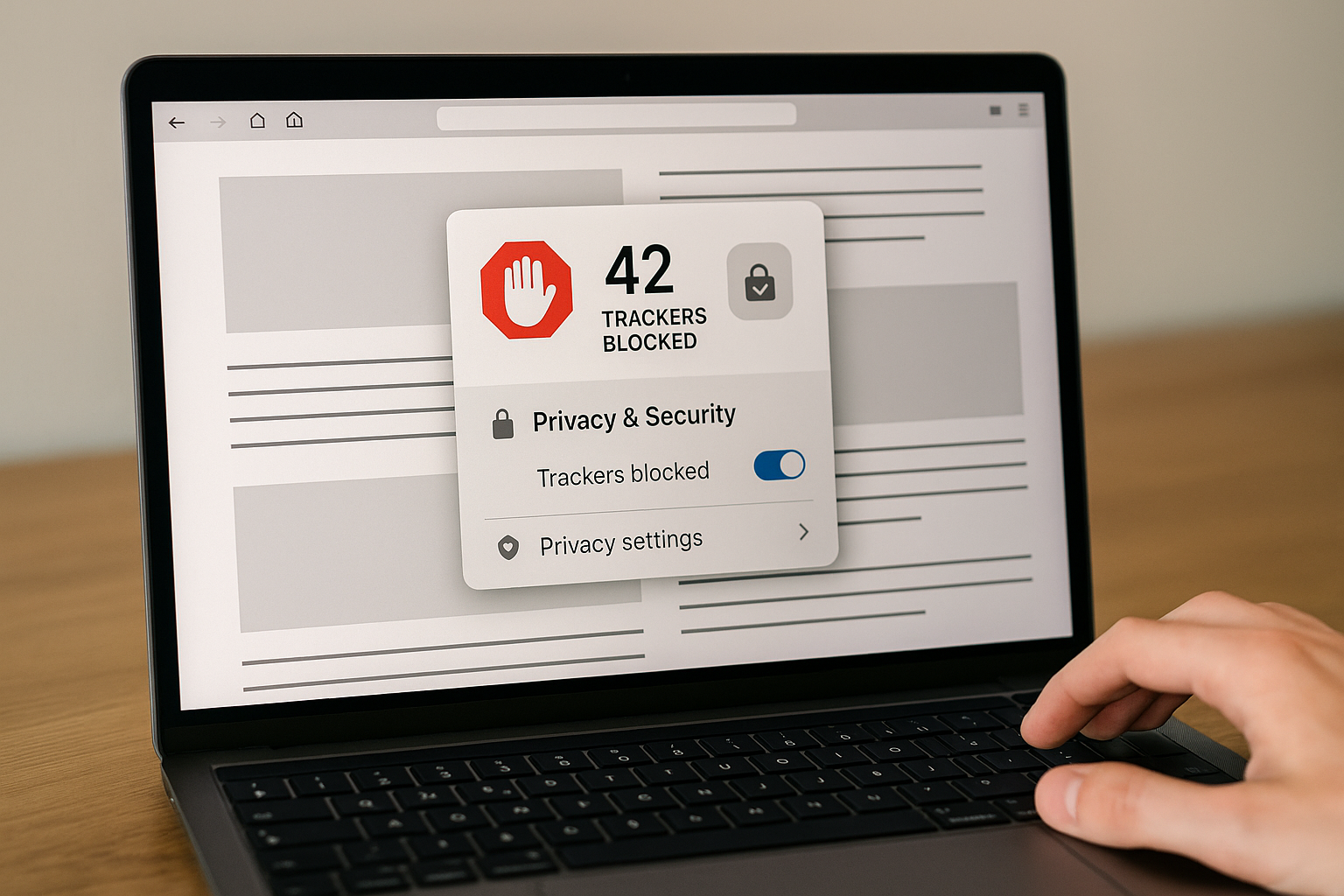
In an era where online privacy is increasingly compromised, ad-blockers have emerged as essential tools. By effectively blocking intrusive trackers, they not only enhance browsing speed but also empower users to take control of their digital footprints.
Understanding Online Tracking and Modern Protection
Every website visit involves more than loading content. Invisible code embedded in pages records your visits and interaction data, building detailed profiles of your online activity - like someone following you through a mall, noting every store and item you examine. Today's browsers counter this with built-in Enhanced Tracking Protection that works automatically, blocking trackers that collect browsing habits without breaking site functionality.
How Ad-Blocking Technology Works
Modern ad-blocking identifies tracking behavior patterns rather than blocking all ads. Systems analyze resource loads and match them with known tracking patterns, classifying matching domains as trackers. One effective method isolates cookies so they can't follow you across sites, preventing tracking while allowing websites to function normally. Most browsers offer different protection levels balancing privacy with functionality. Standard mode blocks social media trackers, cross-site trackers, and cryptominers, while strict mode additionally blocks tracking content like videos and ads with tracking code. Your choice depends on your comfort with occasionally adjusting settings for specific sites.
Advanced Features and Real-World Impact
Modern protection counters sophisticated techniques like fingerprinting, which collects browser and device settings to create unique tracking profiles. Advanced systems limit what information websites can gather and detect methods like bounce tracking, where trackers redirect you through intermediate URLs to collect data. Effective protection delivers faster loading and fewer intrusive ads while giving you control over who collects information about your activities. However, personalized features may work differently - product recommendations following you across shopping sites become less frequent as tracking is blocked, representing the privacy-convenience trade-off.
Managing Your Settings
Sometimes you'll want tracking on specific sites where e-commerce functionality requires it for shopping carts or recommendations. Most browsers let you create exceptions or adjust settings per site through the shield or lock icon if a site doesn't work with protection enabled. Most browsers enable basic protection by default, with advanced settings available in privacy preferences. Start with standard settings and increase protection as you become comfortable troubleshooting occasional compatibility issues. Understanding these technologies enables confident browsing while keeping personal information secure.