
Protect Your Email: Best Practices for Stronger Cyber Security
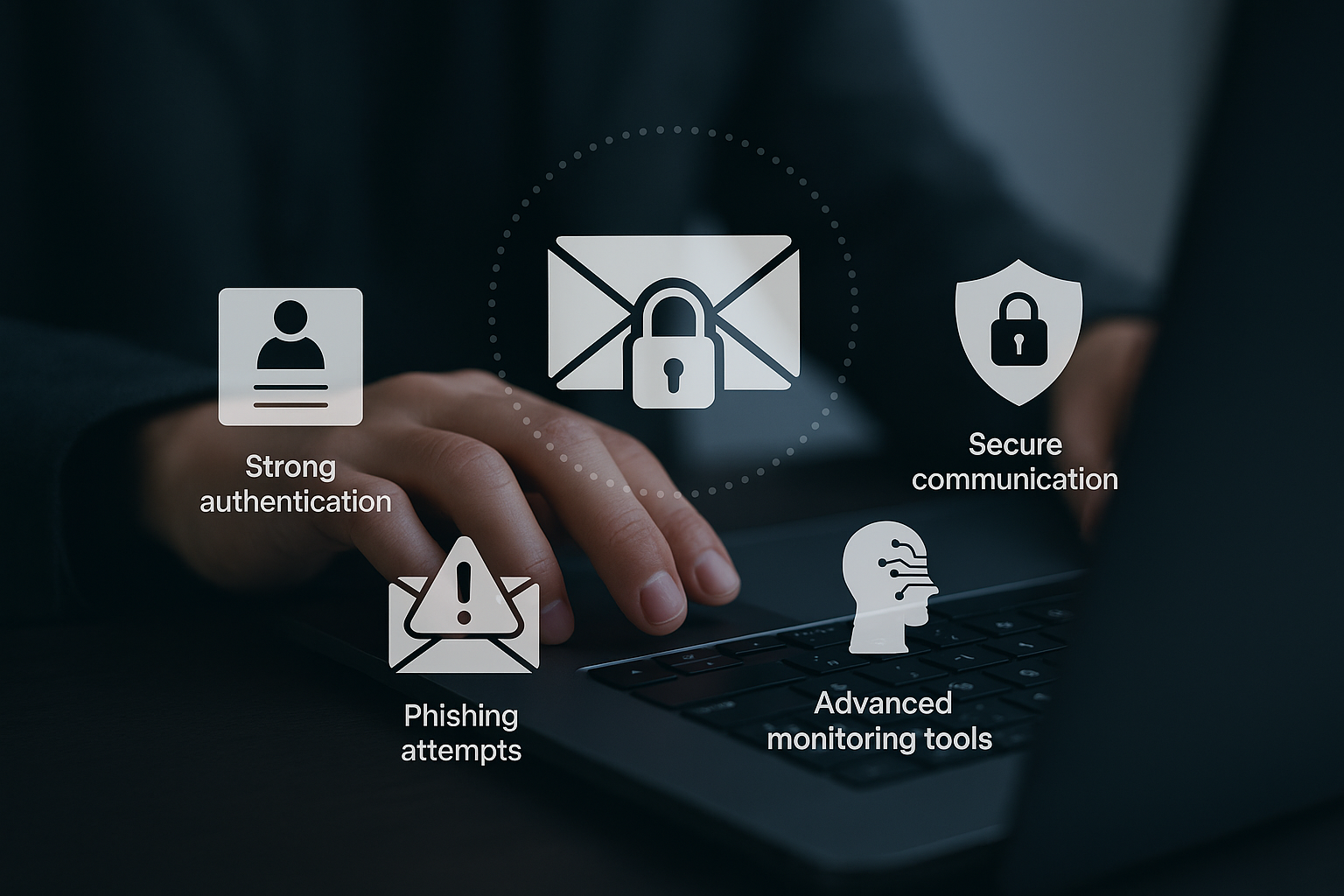
Email remains a prime target for cybercriminals, with billions of messages sent daily. Protecting your email account and communications is critical for safeguarding personal information, preventing identity theft, and maintaining your digital reputation.
Strong Authentication Is Your First Defense
Email security begins with robust account protection. Use strong, unique passwords combining uppercase and lowercase letters, numbers, and special characters. Never reuse passwords across accounts, as this creates a domino effect if one becomes compromised. Enable two-factor authentication (2FA) whenever possible for an additional security layer beyond your password.
Recognizing Suspicious Links
Phishing attacks through email links are among the most common cybersecurity threats. Before clicking links, hover to preview the destination URL. Watch for shortened URLs from unfamiliar sources, misspelled domain names, suspicious file extensions, or URLs that don't match the claimed sender. When uncertain, navigate to websites directly through your browser instead of clicking email links.
Legitimate organizations won't request sensitive information like passwords, Social Security numbers, or banking details via email. If you receive such requests, contact the organization directly through official channels to verify authenticity.
Secure Communication Practices
Treat email like a postcard, not a sealed letter. Avoid sending sensitive information such as passwords, financial details, or personal identification numbers through regular email. For confidential information, use encrypted email services or secure file-sharing platforms with end-to-end encryption.
Be cautious about information in email signatures and avoid unnecessary personal details that could enable social engineering attacks. Exercise extra caution when using email on public Wi-Fi networks, which are less secure and more susceptible to interception.
Warning Signs of Account Compromise
Several red flags indicate your email account may be hacked: unexpected password reset notifications, emails in your sent folder you didn't send, complaints from contacts about spam from your account, unauthorized changes to account settings, unfamiliar login locations in account activity, or legitimate emails marked as spam by recipients.
Immediate Response to Compromise
If you suspect your account is hacked, act quickly. Change your password immediately and log out of all devices. Review and update security questions and recovery information. Check account settings for unauthorized changes, including forwarding rules, signatures, or linked accounts. Scan devices for malware and notify contacts about the potential compromise.
Advanced Monitoring and Protection
In today's interconnected world, your email address serves as a gateway to your digital identity. Advanced protection tools continuously scan for data breaches and compromise incidents across the web. When your email is detected in a security breach, these services send immediate alerts, enabling swift action to protect your accounts before cybercriminals exploit compromised data.
Building Security Habits
Regular maintenance is essential for ongoing protection. Periodically review account activity, update passwords, and remove access for unused applications or devices. Keep email clients and security software updated, enable login alerts if available, and stay informed about emerging threats.
Email security requires ongoing vigilance and proactive measures. By implementing these practices and utilizing advanced monitoring tools, you can significantly reduce your risk of email-based cyberattacks and maintain secure digital communications.